

Create an agent
Create an agent from a template or from scratch, and complete its initial setup.
An agent is the assistant that answers your customers in the chat on your site, WhatsApp, Telegram, or other channels. You can create it from a template or start from scratch.
Steps
Open the template picker
Open the workspace, go to Agents in the side menu, and click New agent.
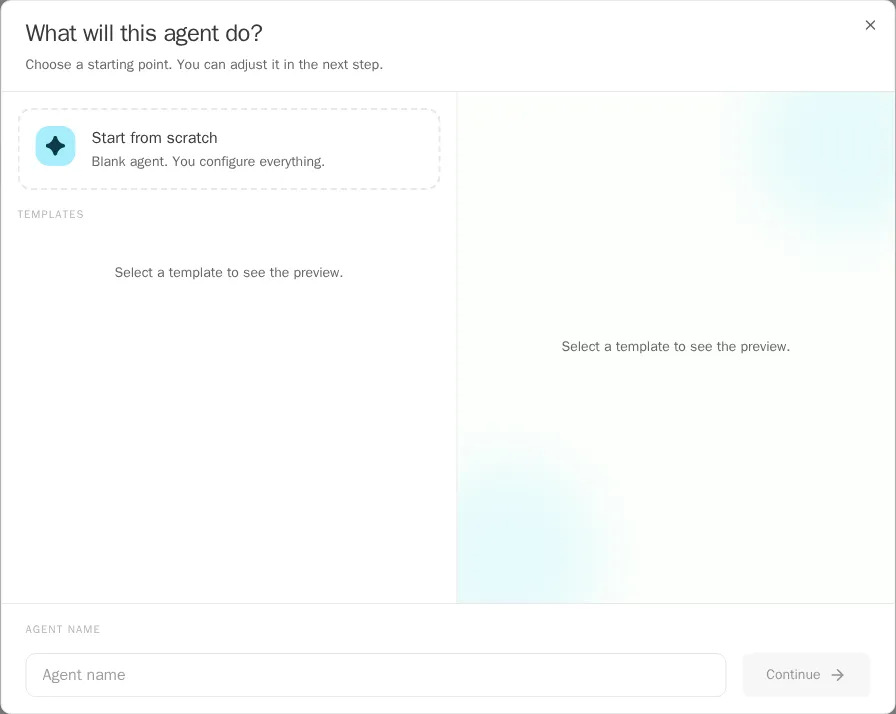
Choose a starting point
Choose a template or Start from scratch. Templates give you a starting point for the type of agent you want:
- Recursos Humanos (RRHH): receives job applications, records each candidate with their CV and the posting they apply for, and creates the candidates, job postings and evaluations tables. CV evaluation can be automated with Automated tasks.
- Leads: captures and qualifies sales contacts and lets your team know when someone wants to be contacted.
- Support, Sales and FAQ: customer service, sales inquiries and answers to common questions.
Enter a name
Enter the Agent name.
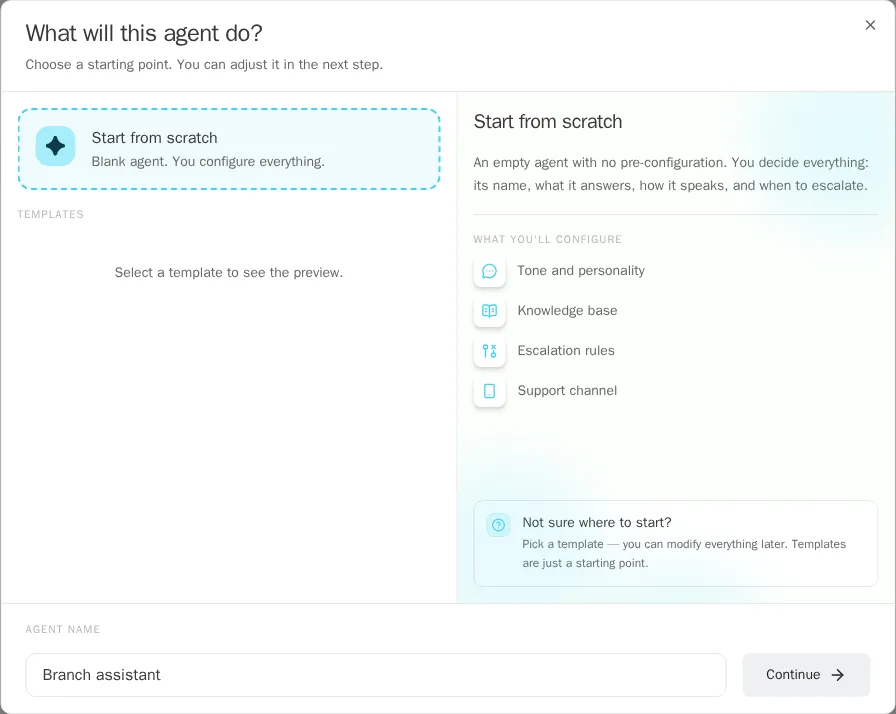
Answer the essential questions
Click Continue. The agent’s Initial setup opens. Under Essential Questions, answer what you can: use Save and continue to move on, or Answer later to skip a question. TukiAssistant generates the questions based on the template and what you write.
Add knowledge
Under Knowledge base, add the sources your agent will use: documents, pages from a website, FAQs, or structured data. When you choose a document or import pages from a website, you review the text first: your agent only uses what you confirm (the steps are in Add documents and websites). If you don’t have the files yet, use Add later.
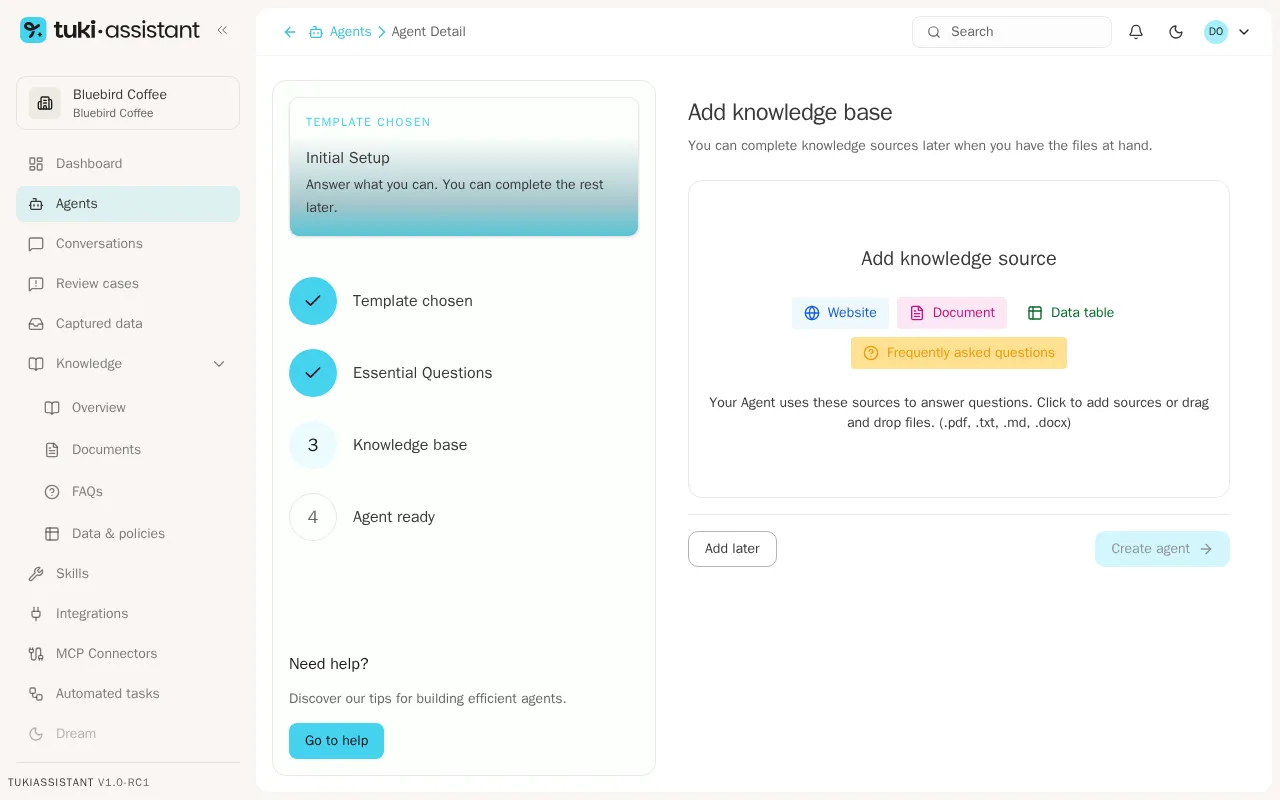
When you finish, the agent stays in draft. Review it and publish it when it is ready.